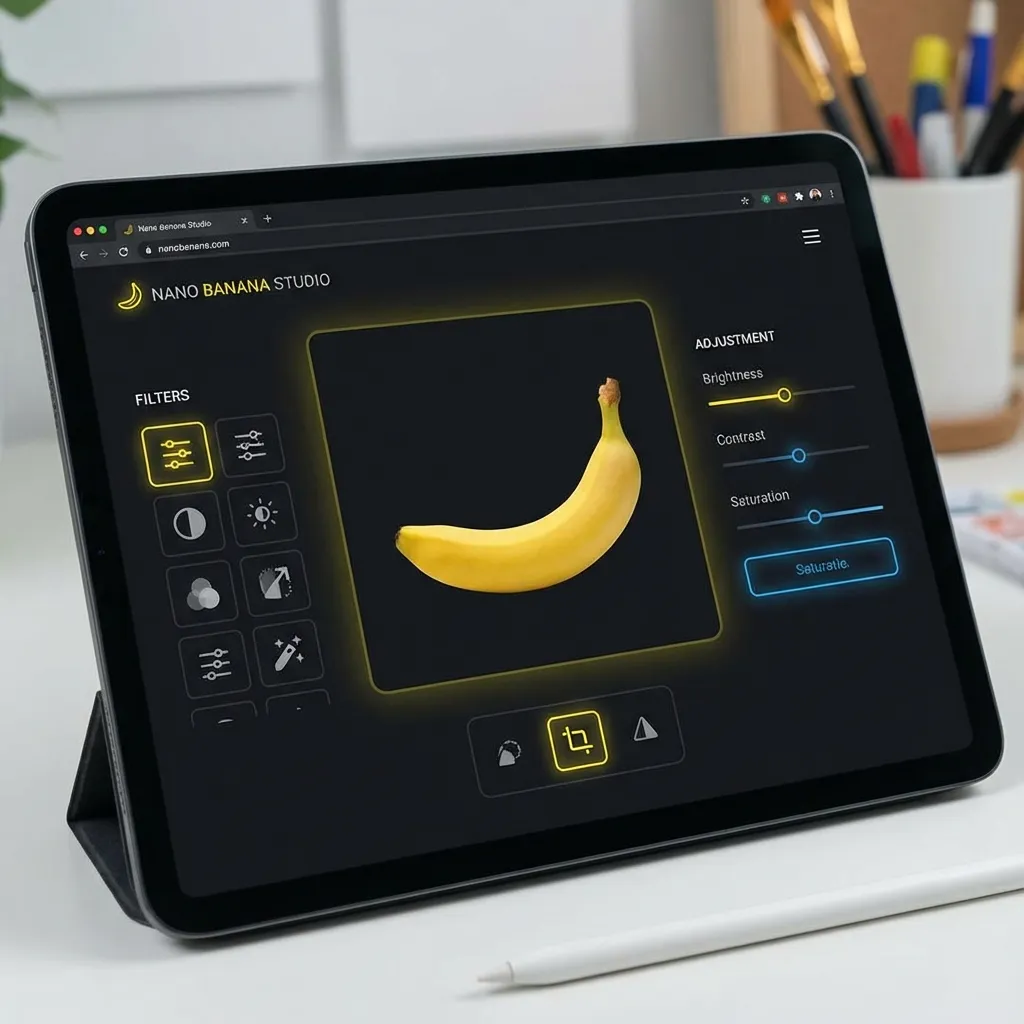
You've generated a great image, but maybe it's a bit too dark, or the aspect ratio is wrong for your book cover. Instead of opening expensive software like Photoshop, you can use our built-in Image Editor to make quick, professional adjustments.
Essential Editing Features
Crop and Resize
KDP has strict size requirements. Our tool comes with presets for all standard book sizes (6x9, 8.5x11, etc.), ensuring your images fit perfectly without pixelation.
Filters and Adjustments
Boost the contrast to make your cover pop on Amazon's white background. Add a "warm" filter to give your romance novel a cozy feel. Adjust brightness, saturation, and hue with simple sliders.
Text Overlays
Add your title and author name directly onto the image. Choose from a library of professional fonts that are free for commercial use.
Why Use an Online Editor?
- Speed: No need to download and upload files between different programs.
- Simplicity: Designed specifically for authors, not graphic designers. No steep learning curve.
- Integration: Works seamlessly with our other generators.

Written by Danielle Okonkwo
Marketing & Growth Lead at KDPEasy
Danielle is a published author with 12+ titles on Amazon KDP and a former book blogger. She writes KDPEasy's guides drawing from hands-on publishing experience and years of testing what actually works in the KDP marketplace.
View Profile