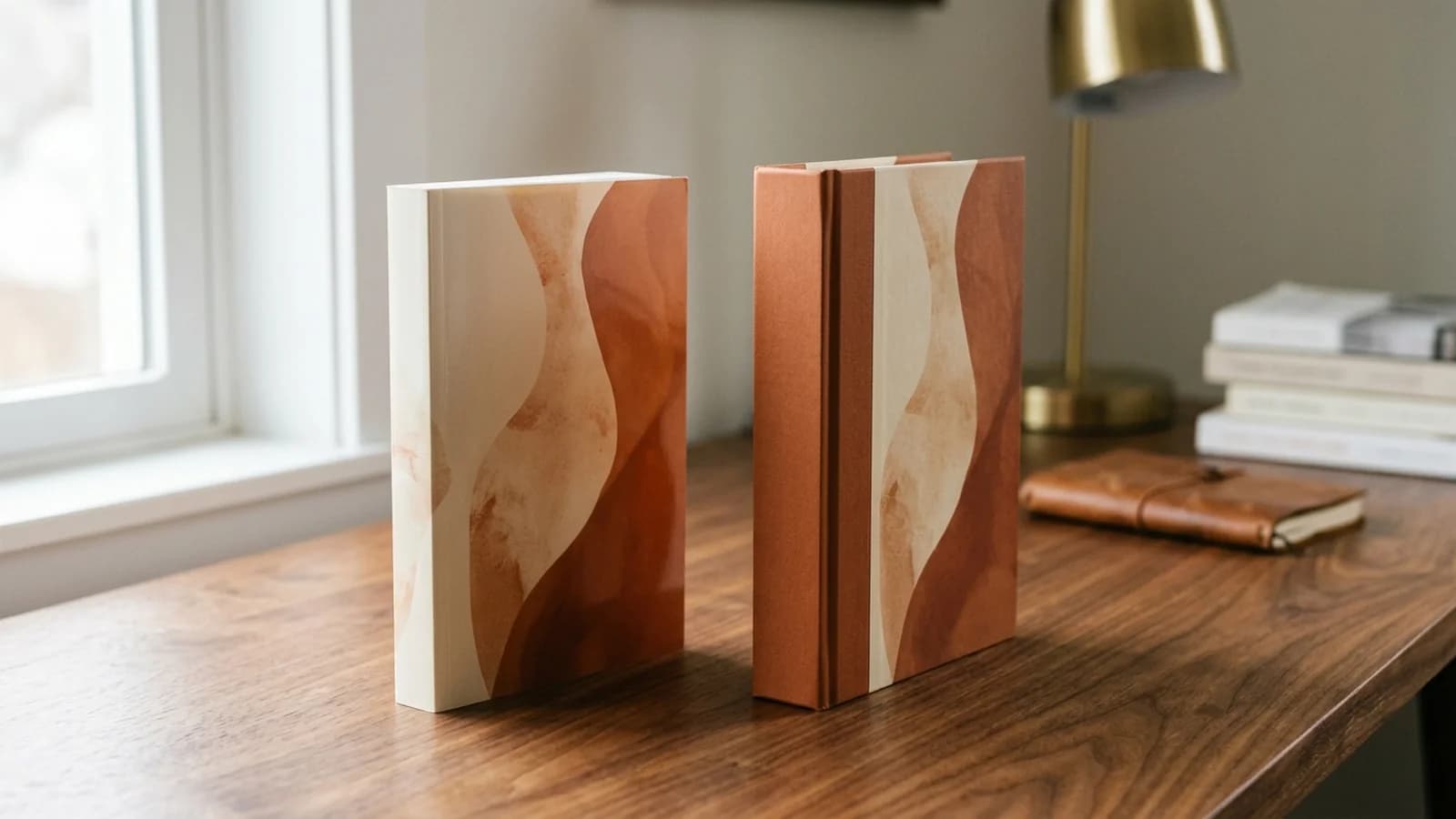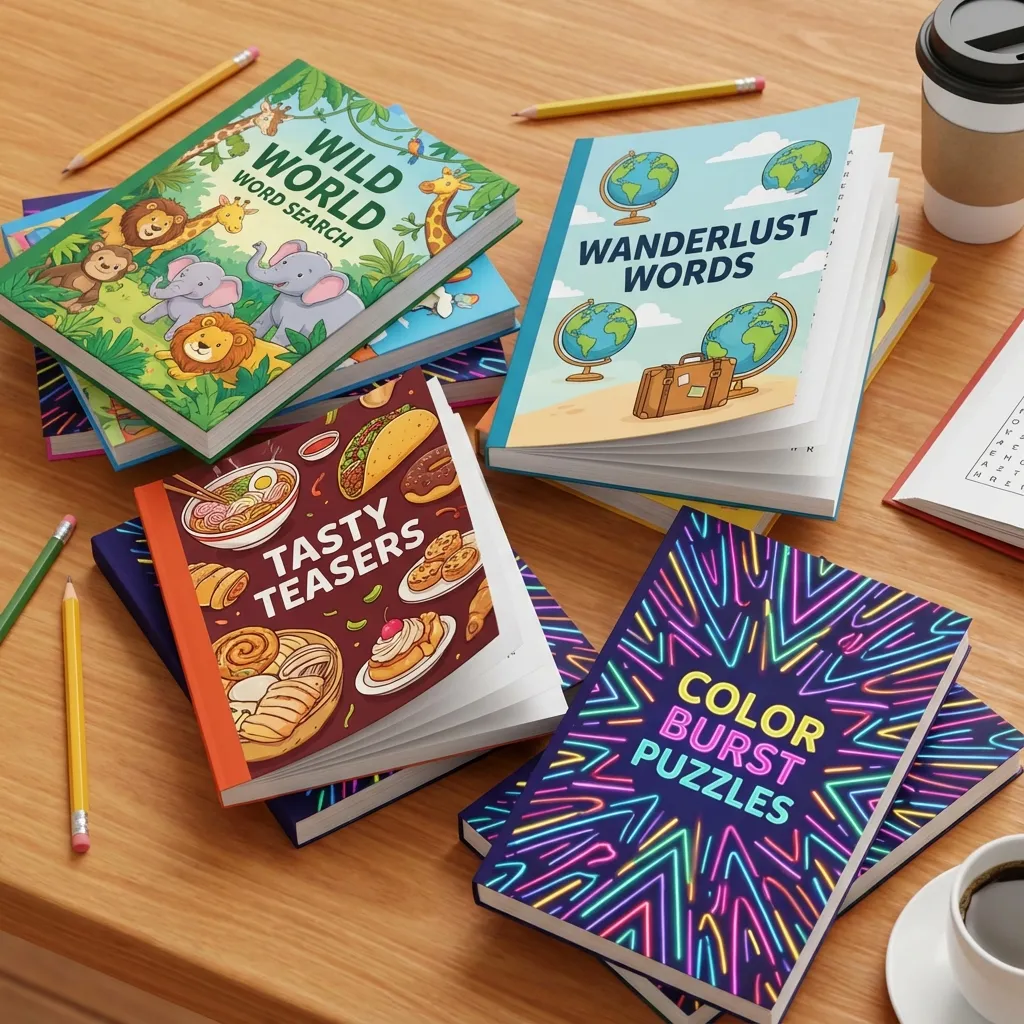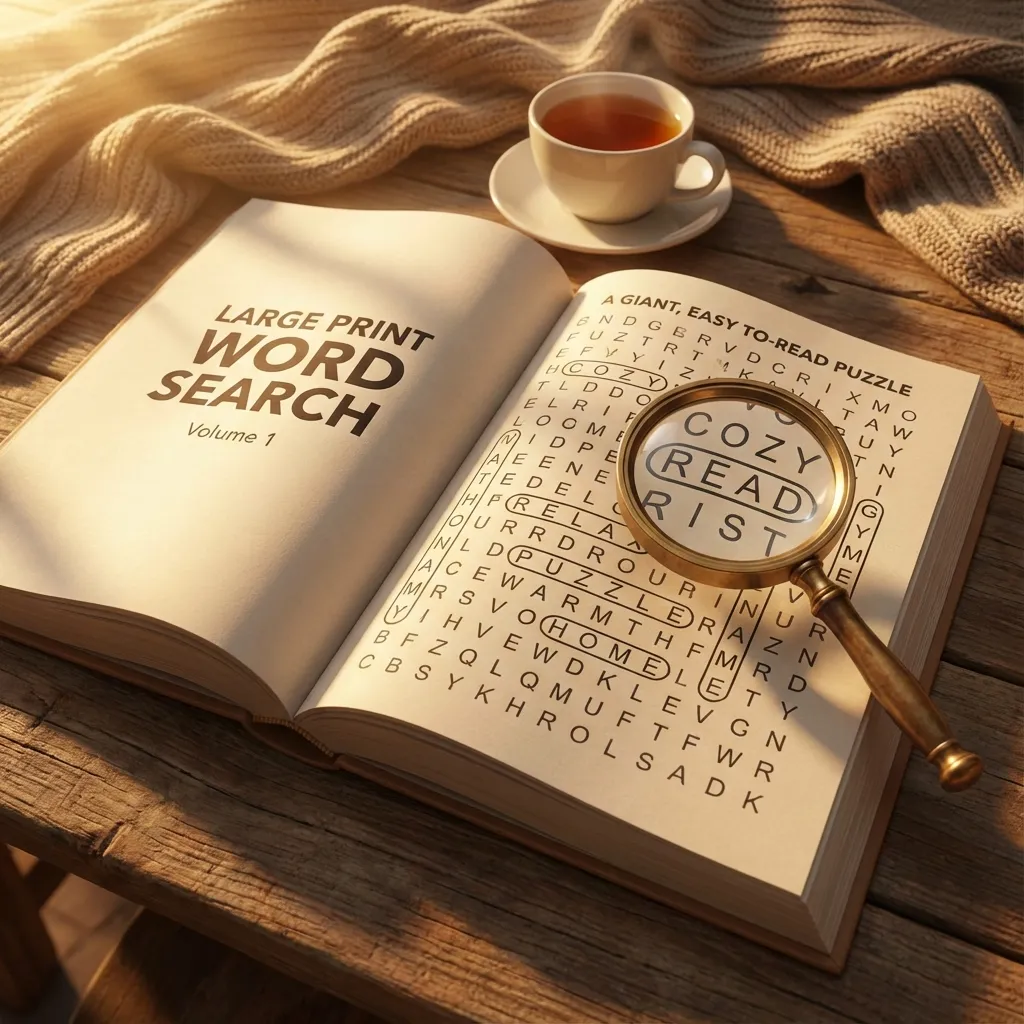

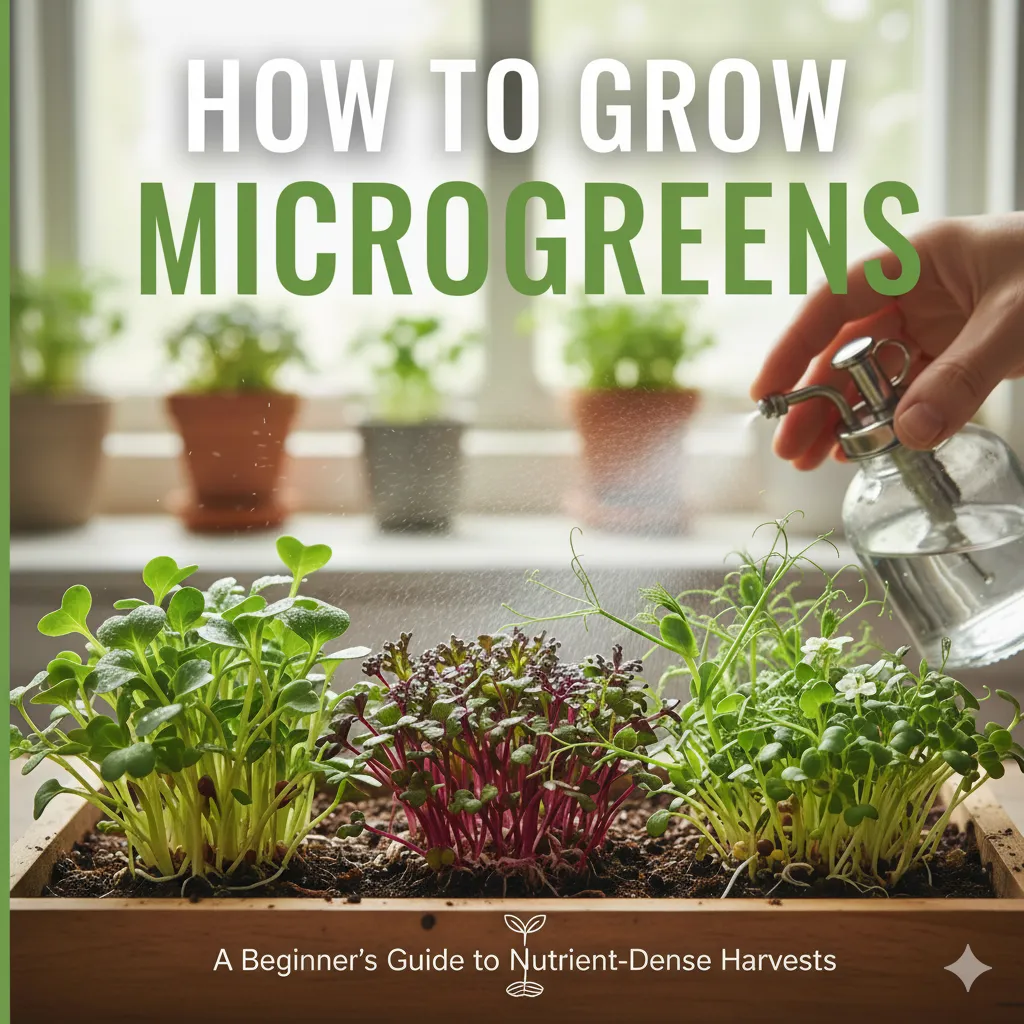
Wondering what size books KDP prints? Amazon KDP offers 16 paperback sizes and 5 hardcover sizes. Choosing the right KDP book size is more important than you might think—it affects production costs, reader perception, genre fit, and shelf appeal.
What Size Books Does KDP Print?
Amazon KDP prints books in a variety of standard dimensions. The most popular Amazon KDP book sizes are:
- 6×9": The most popular KDP book size for non-fiction and novels
- 5.5×8.5": Great for memoirs and trade paperbacks
- 8.5×11": Standard for workbooks, journals, and coloring books
- 5×8": Compact size popular for mass-market style books
Why Trim Size Matters
Your book's trim size (the final dimensions after cutting) impacts:
- Printing costs: Larger books cost more to print
- Reader expectations: Each genre has standard sizes readers expect
- Shelf presence: Size affects how your book looks in bookstores
- Shipping costs: Larger dimensions = higher shipping fees
- Page count perception: Same content in different sizes creates different page counts
💰 Cost Impact Example
A 200-page book at 6×9" costs approximately $3.65 to print. The same book at 8.5×11" costs $4.50 – that's 23% more expensive. Choose wisely!
Already picked your trim? Generate the matching cover
Our AI book cover generator builds a full-wrap cover sized exactly to your 6x9, 8.5x11, or any other KDP-supported trim. Spine width, bleed, and 300 DPI handled automatically. Print-ready PDF in 2 minutes.
Generate my coverAll 16 KDP Paperback Trim Sizes
Amazon KDP offers these paperback trim sizes. Here's what you need to know about each:
Standard Sizes
- 5×8": Compact and portable, great for mass-market feel
- 5.5×8.5": Popular for memoirs and smaller books
- 6×9": ⭐ Most popular – perfect for novels, memoirs, non-fiction
- 7×10": Larger format for textbooks and technical books
- 8.5×11": Standard letter size for workbooks and journals
International Sizes
- 5.06×7.81": European B-format (129×198mm)
- 6.14×9.21": European standard (156×234mm)
- 8.27×11.69": A4 size, common in Europe and Asia
Specialty Sizes
- 5.25×8": Slightly wider than 5×8", unique positioning
- 6.69×9.61": European Großformat
- 7.44×9.69": Another European option
- 7.5×9.25": Between standard 6×9 and 8.5×11
- 8×10": Square-ish format for photo books
- 8.25×6": Landscape orientation
- 8.25×8.25": Square format for children's books
- 8.5×8.5": Larger square format
Complete Trim Size Comparison Table
Here is every KDP paperback trim size with details on best use cases, available paper options, spine text eligibility, and popular genres at a glance:
| Trim Size | Best For | Paper Options | Spine Text Min Pages | Popular Genres |
|---|---|---|---|---|
| 5×8" | Mass-market style books | White, Cream, Color | 80 | Romance, Poetry, Devotionals |
| 5.06×7.81" | European B-format | White, Cream, Color | 80 | UK/EU fiction, Literary fiction |
| 5.25×8" | Trade paperback alternative | White, Cream, Color | 80 | Novels, Memoirs, Self-help |
| 5.5×8.5" | Trade paperback standard | White, Cream, Color | 80 | Memoirs, Fiction, Business |
| 6×9" | Most popular – all-purpose | White, Cream, Color | 80 | Non-fiction, Novels, Textbooks |
| 6.14×9.21" | European standard (156×234mm) | White, Cream, Color | 80 | EU non-fiction, Academic |
| 6.69×9.61" | European large format | White, Cream, Color | 80 | EU textbooks, Illustrated |
| 7×10" | Textbooks, technical manuals | White, Cream, Color | 80 | Textbooks, How-to, Reference |
| 7.44×9.69" | European specialty | White, Cream, Color | 80 | EU reference, Illustrated |
| 7.5×9.25" | Mid-large format | White, Cream, Color | 80 | Cookbooks, Guides, Workbooks |
| 8×10" | Photo books, cookbooks | White, Color | 80 | Cookbooks, Photo books, Art |
| 8.25×6" | Landscape orientation | White, Color | 80 | Children's, Photo, Landscape art |
| 8.25×8.25" | Square format | White, Color | 80 | Children's, Coloring, Art |
| 8.5×8.5" | Large square format | White, Color | 80 | Coloring books, Children's, Art |
| 8.5×11" | Letter size – workbooks | White, Color | 80 | Workbooks, Journals, Planners |
Already Know Your Trim Size? Calculate Your Exact Cover Dimensions Free
Enter your trim size and page count — our KDP Cover Size Calculator instantly outputs the precise cover width, height, and spine width you need. No math required.
Calculate Cover DimensionsWhich Trim Size Should I Choose? Decision Guide
If you're unsure which KDP trim size to pick, use this quick guide organized by book type:
Novels & Fiction
Recommended: 5.25×8", 5.5×8.5", or 6×9"
The 6×9" size is the most versatile and widely used for fiction. If you want a more compact, mass-market feel (common in romance and thrillers), go with 5.25×8" or 5.5×8.5". These sizes keep page counts reasonable and printing costs low.
Children's Books
Recommended: 8.5×8.5" or 8×10"
Square formats (8.5×8.5") are the most popular for picture books because they showcase full-page illustrations beautifully. For early readers with a mix of text and images, 8×10" works well. For chapter books targeting middle grade and up, consider 5.5×8.5" or 6×9".
Coloring Books
Recommended: 8.5×11"
Letter size gives colorists the most space to work with. The 8.5×8.5" square format is also popular for coloring books and can stand out on Amazon. Avoid smaller sizes—colorists want room for detail.
Workbooks & Activity Books
Recommended: 8.5×11"
The standard letter size is expected by readers for workbooks. It provides adequate writing space and is familiar to students and educators. For younger children's workbooks, 8×10" is also acceptable.
Poetry
Recommended: 5×8" or 5.5×8.5"
Smaller, more intimate sizes work best for poetry collections. The compact format feels personal and is traditional for the genre. Cream paper also adds warmth that complements poetry.
Puzzle Books (Sudoku, Word Search, Crosswords)
Recommended: 8.5×11"
Puzzle books need space for grids and writing. The letter size is the industry standard and readers expect it. Some publishers also use 6×9" for travel-sized puzzle books.
Cookbooks
Recommended: 8×10" or 8.5×11"
Cookbooks need room for recipe layouts and food photography. The 8×10" format is a classic cookbook size, while 8.5×11" provides even more space. Use color paper for best results with food images.
💡 Quick Rule of Thumb
When in doubt, choose 6×9" for text-heavy books (novels, non-fiction, self-help) and 8.5×11" for visual or interactive books (workbooks, coloring books, journals). These two sizes cover the vast majority of successful KDP books.
Choosing by Genre
Different genres have different reader expectations. Using the "wrong" size can make your book look unprofessional:
Fiction
- Literary fiction: 5.5×8.5" or 6×9"
- Thrillers/Mystery: 6×9" (industry standard)
- Romance: 5×8" or 5.5×8.5" (mass-market feel)
- Science Fiction/Fantasy: 6×9"
- Horror: 5.5×8.5" or 6×9"
Non-Fiction
- Business books: 6×9" (professional standard)
- Self-help: 5.5×8.5" or 6×9"
- How-to guides: 7×10" or 8.5×11" (room for diagrams)
- Cookbooks: 8.5×11" (space for photos)
- Technical/Academic: 7×10" or 8.5×11"
- Biography/Memoir: 6×9"
Children's Books
- Picture books: 8.5×8.5" or 8.5×11"
- Early readers: 6×9" or 7×10"
- Middle grade: 5.5×8.5" or 6×9"
- Young adult: 5.5×8.5" or 6×9"
KDP Hardcover Sizes (5 Options)
Amazon KDP offers 5 hardcover trim sizes for premium book publishing:
- 5.5×8.5": Compact hardcover, great for literary fiction
- 6×9": ⭐ Most popular KDP hardcover size—works for most genres
- 6.14×9.21": European standard (156×234mm)
- 7×10": Premium format for non-fiction with images
- 8.25×11": Large format for coffee table books and illustrated works
KDP hardcovers are premium products with case laminate finish. The 6×9" hardcover size works for most books, while 7×10" and 8.25×11" are better for illustrated or coffee table books.
Cost Considerations
Trim size directly affects your printing costs and profit margins:
Printing Cost Formula
Amazon charges: Base cost + (page count × $0.012 for black & white) × size multiplier
- 5×8" to 6×9": Standard multiplier (1.0×)
- 6.14×9.21" to 7×10": Medium multiplier (~1.15×)
- 8.5×11": Highest multiplier (~1.4×)
Example: 200-Page Book
- 5×8": ~$3.50
- 6×9": ~$3.65
- 7×10": ~$4.20
- 8.5×11": ~$4.50
That $1 difference might seem small, but if you sell 1,000 copies, it's $1,000 in extra costs eating into your profits.
How Trim Size Affects Your Profit Margins
Trim size is one of the biggest factors in your KDP printing cost, which directly determines your royalty per sale. Here is how it breaks down in 2026:
KDP Printing Cost Tiers by Size
Amazon classifies trim sizes into cost tiers. Books wider than 6.12" or taller than 9" are classified as "large" and cost more per page to print:
- Standard tier (5×8" through 6×9"): Lowest per-page cost (~$0.012/page for B&W). Best profit margins.
- Large tier (7×10", 8×10", 8.5×11", etc.): Higher per-page cost (~$0.015/page for B&W). Necessary for some book types but reduces margins.
- Color printing: Adds significantly to cost regardless of size. Standard color is ~$0.07/page, premium color is ~$0.04/page on top of the base cost.
Profit Margin Comparison Example
Consider a 200-page black & white book priced at $14.99 with 60% royalty (sold on Amazon.com):
- 6×9": Print cost ~$3.65 → Royalty = $14.99 × 0.60 - $3.65 = $5.34 per sale
- 7×10": Print cost ~$4.20 → Royalty = $14.99 × 0.60 - $4.20 = $4.79 per sale
- 8.5×11": Print cost ~$4.50 → Royalty = $14.99 × 0.60 - $4.50 = $4.49 per sale
Choosing 8.5×11" over 6×9" costs you $0.85 per sale. At 500 copies sold, that is $425 in lost profit. Only choose a larger size when your content genuinely requires it (images, worksheets, or reader expectations for that genre).
💰 Maximize Profit: Size Down When Possible
If your book works at both 6×9" and 8.5×11", almost always choose 6×9". The smaller size has lower printing costs, lower shipping costs for expanded distribution, and matches reader expectations for most text-based genres.
See Exactly What You'll Earn Per Sale
Plug in your trim size, page count, and list price into our free KDP Royalty Calculator to compare profit margins across sizes before you commit.
Calculate My RoyaltyPage Count Impact
The same content creates different page counts in different sizes. A 50,000-word novel might be:
- 250 pages at 5×8"
- 200 pages at 6×9"
- 150 pages at 8.5×11"
Psychological impact: A 150-page book might seem "too short" for a novel, while 250 pages feels substantial. Consider reader perception when choosing size.
📚 Pro Tip: Check Competitors
Search Amazon for the top 10 books in your category. What trim sizes do they use? Matching industry standards helps your book "fit in" with successful titles.
Professional Appearance
Your trim size should match industry standards for your genre. Using an unusual size can make your book stand out—but not always in a good way.
When to Use Standard Sizes (6×9", 5.5×8.5")
- First-time authors establishing credibility
- Genre fiction following market norms
- Books targeting traditional bookstore placement
- Maximizing profit margins
When to Use Unique Sizes
- Children's books (square formats work great)
- Coffee table books (large formats showcase images)
- Workbooks and journals (8.5×11" provides writing space)
- International markets (using local standard sizes)
Spine Width Considerations
Trim size does not enter the spine width calculation, which uses only page count and paper type. For books under 80 pages, KDP doesn't allow spine text regardless of trim size. For thicker books:
- Smaller trim sizes turn the same content into more pages, and more pages create a wider spine
- More spine space means easier-to-read spine text
- Consider spine visibility on bookstore shelves
Learn more: Understanding KDP Spine Width
Making Your Decision
Follow this decision framework:
- Research your genre: What do bestsellers in your category use?
- Consider your content: Images? Diagrams? Lots of white space?
- Calculate costs: How does size affect your profit per sale?
- Think about readers: What size will they expect and prefer?
- Test if possible: Order proof copies in different sizes
Not Sure Which Size to Choose?
KDPEasy supports all 16 KDP trim sizes. Generate covers for different sizes and see which looks best.
Try Different Sizes NowA FEW MORE ANSWERS
Frequently asked questions
6" x 9" is the most commonly used trim size, suitable for most fiction and nonfiction genres.

ABOUT THE AUTHOR
Danielle Okonkwo
Marketing & Growth Lead at KDPEasy. Danielle is a published author with 12+ titles on Amazon KDP and a former book blogger. She draws on hands-on publishing experience and years of testing what works in the KDP marketplace.
Meet Danielle