
Beautiful Midjourney art. Four hours from a KDP cover.
Generate stunning art on Midjourney. Then spend 4 hours fighting CMYK, spine width, bleed, 300 DPI and KDP rejection emails. Or skip the workflow gap entirely and get a print-ready full-wrap PDF from KDPEasy in 2 minutes for under $1.
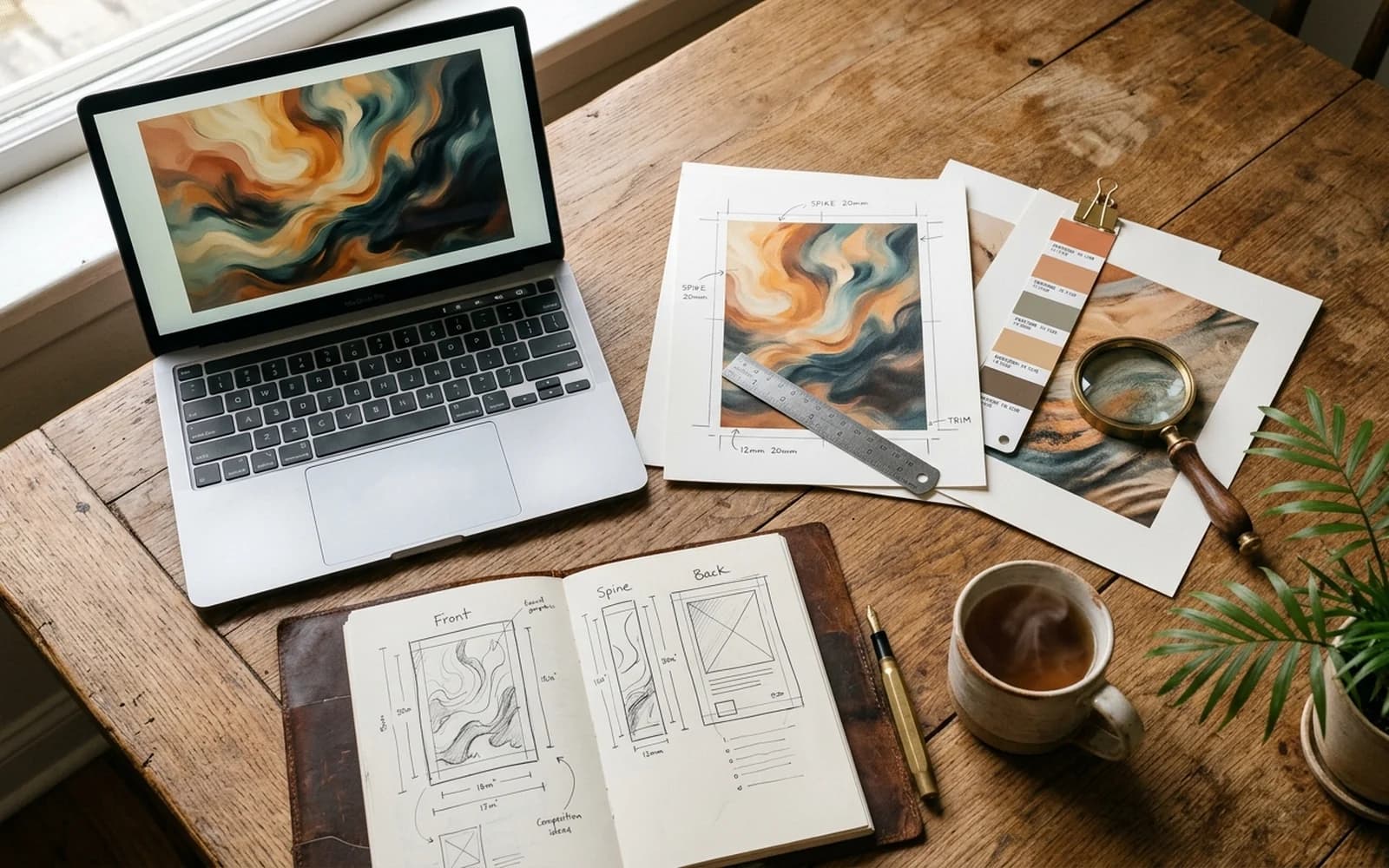
Our honest verdict: KDPEasy vs Midjourney
Midjourney has the higher artistic ceiling. KDPEasy ships the actual deliverable. For one prestige cover where you already own Photoshop and want exotic art direction, Midjourney plus 4 hours of design work is defensible. For everyone publishing on a real cadence, the Midjourney to KDP gap is where the days go. KDPEasy closes it.
Midjourney vs KDPEasy
Designer quality, without the friction.
- RGB output only. CMYK conversion is a manual Photoshop step.
- No spine width. No bleed. No KDP template awareness.
- No title typography or back cover. You design it yourself.
- Discord interface and prompt engineering for every variation.
- Upscale, crop and resharpen for print at trim size.
- KDP rejection loop when the file is the wrong size or DPI.
- AI art, typography, spine and full wrap in one PDF.
- CMYK-aware print colour and 300 DPI baked in.
- Spine width auto-calculated from your page count and paper.
- Bleed, safe area and KDP template alignment handled.
- Regenerate as many times as you want, no Discord required.
- <1% KDP rejection rate. Upload and publish the same day.
Skip Midjourney's friction. Make your cover in 2 minutes.
No credit card. Free first cover. Print-ready PDF straight to KDP.
When each tool makes sense
When Midjourney is still the right pick
- You are a designer who lives in Photoshop and Affinity already.
- You want a very specific art direction (oil paint, photoreal portrait, surrealism) where AI creative range matters more than throughput.
- You are producing a single prestige cover and time isn't a constraint.
- You already know how to convert RGB to CMYK and rebuild a KDP template at the correct trim size.
- You enjoy prompt engineering and the iterative reroll loop.
When KDPEasy is the better fit
- You want a finished, upload-ready KDP cover, not raw art.
- You don't own Photoshop and don't want to learn it for one cover.
- You're publishing more than 2 books a year and need a repeatable workflow.
- You want title, author, back cover and spine handled together.
- You want to test 3 cover directions in 10 minutes, not 3 days.
- You have had a cover rejected by KDP for size, DPI or bleed before.
What you actually pay
The real cost: Midjourney workflow vs KDPEasy
Midjourney's subscription is the cheap part. The expensive part is the workflow tax: 2 to 6 hours in Photoshop per cover converting to CMYK, building the KDP template, calculating spine width, fixing bleed and adding typography. At a modest $25/hour for your own time, that gap is brutal.
Design time priced at $25/hour, conservative for indie authors who value their writing time. Excludes Photoshop or Affinity licence, KDP rejection rework cycles, and the cost of missed launch windows.
Authors who made the move.
“I spent 3 hours in Photoshop turning a Midjourney image into a usable KDP cover. KDPEasy delivers the same thing, better, in under 3 minutes. I keep Midjourney for moodboards now.”
“Midjourney's art is incredible. But when KDP rejected my cover three times for DPI and bleed, I gave up and tried KDPEasy. First upload, first approval, same day.”
“I still use Midjourney for concept art. For the actual published cover, KDPEasy. The print-ready PDF in one click is the whole game.”
The Midjourney to KDP-ready workflow gap
Midjourney is a brilliant image generator. It is not a publishing tool. The gap between a Midjourney image and a file that Amazon KDP will accept is the part nobody mentions in the tutorials.
Here is the gap, in real steps. You write a prompt in Discord and reroll variations until you have a hero image (often 20–40 attempts). You upscale that image to roughly 300 DPI at your exact trim size, which Midjourney does not do natively. You open Photoshop or Affinity and convert from RGB to CMYK, which shifts your colours and forces you to colour-correct. You download the KDP cover template for your trim size and paper type, calculate spine width from your page count, and rebuild the canvas at the correct full-wrap dimensions with bleed. You place your art across front, spine and back, knowing that Midjourney did not compose for a wrap. You add title typography, author name and spine text in fonts you sourced separately. You sharpen for print. You export to flattened PDF/X. You upload to KDP. If anything is off, you fix it and repeat.
Midjourney is an art tool. KDPEasy is a cover tool. The difference shows up when you try to ship: art is half the job, the rest is print specification, typography and full-wrap layout. KDPEasy was built to deliver the second half automatically so the first half doesn't trap you.
Why Midjourney makes a great moodboard and a frustrating cover
The default Midjourney aspect ratio is square. KDP covers are not square. The default Midjourney output is RGB at screen resolution. KDP needs CMYK at 300 DPI. The default Midjourney composition is centred with subject focus. KDP covers need negative space for title, author, and a separate back panel.
None of that is a problem if you are a designer who wants to use Midjourney as a fast moodboard or hero-art generator and finish the file yourself. It is a real problem if you expect Midjourney alone to produce a book cover. The published photo of someone holding up a printed Midjourney book is almost never the unmodified Midjourney output, it is the output after a designer spent half a day on it.
8 painful Midjourney for KDP edge cases
- Title text on the cover image. Midjourney still renders garbled text on a non-trivial fraction of outputs. The fix is to prompt "no text, no typography, leave negative space at the top third" and then add real typography yourself, which is what KDPEasy already does.
- Spine width. Midjourney has no concept of spine width. You must calculate it from page count and paper type using Amazon's formula, build a custom canvas, and slice the art to wrap the spine. The KDP spine width calculator helps but you still do the math and layout.
- CMYK conversion. The default RGB output looks vibrant on screen and dull after CMYK conversion. Authors lose hours colour-correcting after the fact.
- Bleed. KDP requires 0.125 inch bleed on full-wrap covers. Midjourney does not know that. You have to extend the artwork beyond the live area or it will be trimmed into the title.
- 300 DPI at full size. Upscaling a 1024px Midjourney image to 300 DPI at 6x9 trim plus bleed is a real upscale, not a save-at-bigger-size. Authors using free upscalers get soft, mushy print output.
- Discord public channels. Free and basic tier prompts run in shared channels where other people can see your art and reuse it. For commercial book covers many authors do not want their prompts public.
- Commercial license tier gating. Midjourney requires a paid plan for commercial use. Trial tier output is not licensed for selling books.
- Series consistency. Producing five covers that read as a coherent series in Midjourney requires careful prompt scaffolding and ref-image conditioning, and the results still drift. KDPEasy keeps style, palette and composition controls explicit between books in a series.
How KDPEasy closes the Midjourney to KDP gap
Pick your genre, trim size, page count and paper type. Describe the cover in plain English or pick a style preset. KDPEasy generates the hero art, lays it across a full-wrap canvas with the correct spine width, adds bleed and safe area, places title and author typography in genre-appropriate fonts and exports a flattened, print-ready PDF in the correct colour space at 300 DPI.
Regenerate as many times as you want from the same brief. Tweak a single element and roll again. Build a five-book series with consistent palette and composition controls. Download the PDF and upload directly to KDP. No CMYK conversion, no spine math, no template build, no Photoshop.
For authors who like Midjourney for its creative range, the practical pattern is simple: use Midjourney as a moodboard and inspiration tool, then describe what you found inside KDPEasy and ship a finished file the same day.
The fastest way to publish a Midjourney-inspired book cover is not Midjourney plus four hours of Photoshop. It is Midjourney for ten minutes of moodboarding and KDPEasy for two minutes of finished print-ready output.
Questions, answered.
Skip the workflow gap
Practical, KDP-specific guides and tools that close the Midjourney to print-ready distance.
The core KDPEasy feature: art, typography, spine and full-wrap PDF in one pass.
Prompt templates by genre, v6.1 vs v7, commercial license rules and the full export workflow.
Why open-source AI plus ControlNet still leaves you with the same print-ready gap.
Spine width, bleed and trim size in one place. Useful when assembling Midjourney art manually.
Calculate the exact spine width for your page count and paper type.
Canva is a step closer than Midjourney but still leaves spine math, licensing and template hell.
Your next cover is 2 minutes away.
Create your first cover free. No credit card, no catch.