Help156 plain answers
Find answers fast.
Real answers to the questions self-publishers actually ask. Specific numbers, KDP rule citations, no fluff. Search below or pick a topic.
Browse by topic
Pick a category to deep-dive.
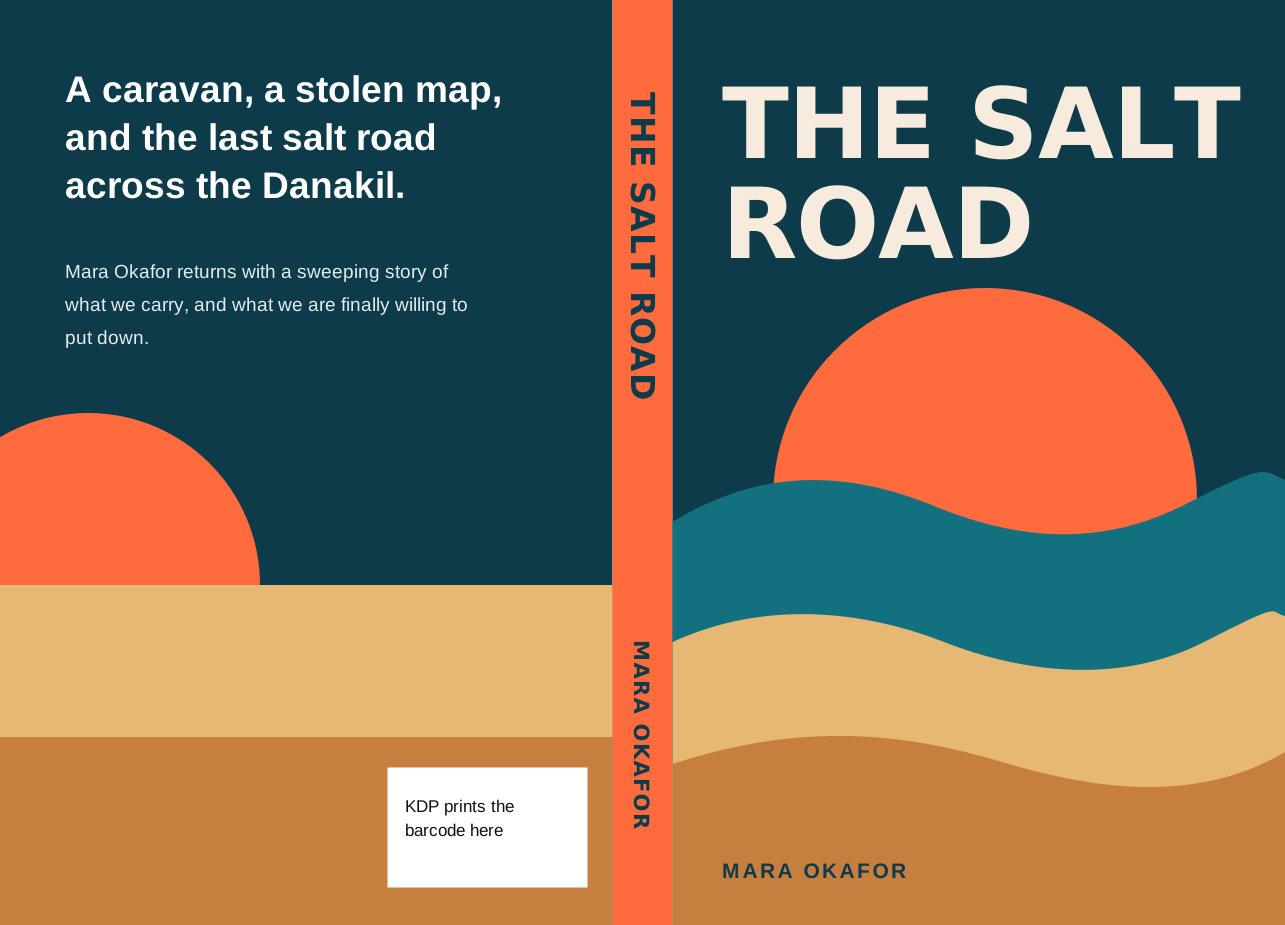
KDP Covers FAQ
35 answers
Spine width formulas, bleed, DPI, file formats, rejections, full-wrap covers for paperback and hardcover.
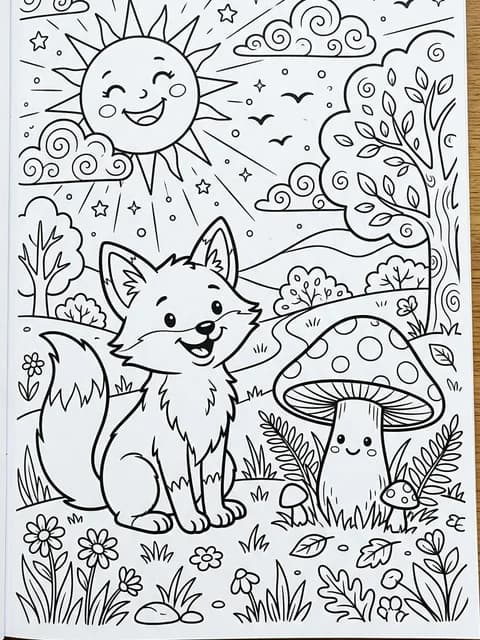
Coloring Books FAQ
44 answers
Trim sizes, bleed-through, interior PDF setup, royalty math, AI illustration, and best niches.
Puzzle Books FAQ
40 answers
Sudoku, word search, crosswords and mazes. Large-print specs, difficulty, page counts, pricing.
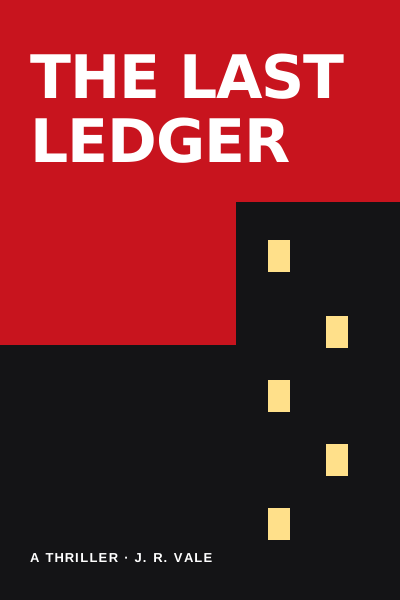
KDP Publishing FAQ
37 answers
Royalty rates, ISBN, KDP Select, pricing, taxes, payouts, keywords, categories, and pen names.
Most asked
The top questions, answered.
Every answer is plain English and cites the specific KDP spec where it matters.
Getting startedHow much does it cost to publish a book on KDP?
Amazon KDP itself is free to use. There are no upload fees, listing fees, or membership fees. You pay only when a customer buys a copy: Amazon takes a printing cost from your royalty for paperbacks and hardcovers, then pays you the remainder. Optional costs include cover design, editing, and an ISBN if you do not use the free KDP one.
Getting startedHow do you make money with KDP?
Three royalty streams: paperback and hardcover (60 percent of the list price from $9.99 and 50 percent below it, minus printing cost), Kindle eBook (35 percent or 70 percent of list price depending on price tier), and Kindle Unlimited page reads (about $0.004 per page read in enrolled markets). Most authors combine all three. Niche selection, cover quality, and keyword research drive the volume.
Account and billingDoes KDPEasy charge a subscription?
No subscription is needed. KDPEasy uses credits: the 10 free credits you get on sign-up make 2 cover previews with a mark. After that, you buy credit packs ($7.50 for 5 credits, $20 for 25 credits and $35 for 50 credits) or choose a monthly plan if you publish often. There is no contract. Bought credits never expire; plan credits end when the plan renews each month. Pricing is on the plans page.
Account and billingCan I get a refund on KDPEasy credits?
Credits are non-refundable once purchased, so we recommend testing with your free credits first. A job that stops is not charged in full: a cover that stops costs nothing, and a book that stops costs only the pages made. Questions? Message a person from the contact page with your order ID. We usually reply within 24 to 48 hours.
Cover generationDoes KDP allow AI-generated book covers?
Yes. Since September 2023 KDP requires you to disclose AI use during publishing (the disclosure is private and not shown on your book page). Whether you may sell AI art depends on the terms of the tool that made it. You get a commercial use license for the art you make with KDPEasy: you can print, sell and change it on your books, but not resell it on its own, and under current US law AI images may not be protected by copyright. The cover must still meet 300 DPI, correct dimensions, and KDP content guidelines (no copyrighted likenesses, no celebrity faces, no offensive imagery).
Cover generationWhat size should a KDP book cover be?
eBook covers: 1,600 x 2,560 pixels (width x height) JPG, a 1:1.6 shape, sRGB. Paperback and hardcover: a single full-wrap PDF whose width is (2 x trim width) + spine width + 0.25 inches of bleed, and whose height is trim height + 0.25 inches (a hardcover instead wraps 0.591 inches around slightly larger boards, so its file is bigger). A 6 x 9 paperback at 200 pages on white paper is 12.7004 x 9.25 inches at 300 DPI.
KDP specificationsWhat are the KDP paperback margins?
Interior margins for KDP paperbacks depend on page count. The inside (gutter) margin grows with the book: 24 to 150 pages: 0.375 inch; 151 to 300 pages: 0.5 inch; 301 to 500 pages: 0.625 inch; 501 to 700 pages: 0.75 inch; 701 to 828 pages: 0.875 inch. The outside, top, and bottom margins are at least 0.25 inch without bleed and 0.375 inch with bleed.
KDP specificationsWhat bleed does Amazon KDP require?
KDP requires 0.125 inch (1/8 inch) of bleed on the outer edges of both interior and cover files when bleed is used. A cover gains 0.25 inch in total width and total height; an interior page gains 0.125 inch in width and 0.25 inch in height, so a 6 x 9 page with bleed is 6.125 x 9.25 inches. Bleed is only required when art or background color touches the trim edge. Keep text and important elements at least 0.25 inch inside the trim.
Downloads and exportsWhat file format does KDPEasy export?
eBook covers export as a 1,600 x 2,560 pixel JPG (width x height, sRGB). Paperback and hardcover covers export as a single print-ready PDF at 300 DPI with embedded fonts, 0.125 inch bleed (a 0.591 inch wrap on hardcover), and a barcode reserve area on the back. Both formats are sized for KDP upload: no resizing, no flattening, no conversion required. KDP makes the final decision on every book.
Downloads and exportsCan I download my cover as PNG or PSD?
Print covers download as the print-ready PDF and as a PNG image of the cover, which suits mockups and social posts. PSD export is not supported. The print PDF and the high-resolution JPG cover every KDP upload path, so most authors never need a PSD.
KDP complianceWhy did KDP reject my cover?
Top five reasons: (1) wrong dimensions, usually a miscalculated spine; (2) resolution under 300 DPI; (3) text inside the 0.125 inch bleed; (4) missing barcode reserve area; (5) AI-generated content that looks artifact-heavy. Fix each by recalculating with the official KDP template, exporting at 300 DPI, and keeping text inside the safe zone.
KDP complianceAre KDPEasy covers KDP-compliant out of the box?
They are built to KDP's published specs. Every cover is generated at the exact KDP dimensions for your chosen trim size and page count, at 300 DPI, with bleed and safe zones built in. The export includes a barcode reserve on the back of full-wrap PDFs, and the KDP Check measures a file before you upload it. KDP makes the final decision on every book.
Supported genresWhat kinds of books does KDPEasy work for?
Fiction (thriller, romance, fantasy, sci-fi, literary), non-fiction (business, self-help, memoir, history), children's books, coloring books, puzzle books (sudoku, crosswords, word search, mazes), journals, planners, workbooks, recipe books, and academic. Every cover style is tuned to genre conventions so the thumbnail reads correctly at Amazon scale.
PricingHow much does a KDPEasy cover cost?
A new cover is 5 credits. The 10 free credits you get with a new account make 2 cover previews with a mark. To download one without the mark, pay 5 paid credits, from $7.50: one payment, no subscription. Changing the words, fonts and colors is free. You get a commercial use license for the art you make with KDPEasy: you can print, sell and change it on your books, but not resell it on its own, and under current US law AI images may not be protected by copyright. Pricing details are on the plans page.
Legal and policyWhere can I read the KDP terms and conditions?
Amazon publishes the official Kindle Direct Publishing Terms and Conditions on kdp.amazon.com under Help and the Terms link in the footer. Key sections cover content guidelines, royalty calculation, the 60-day reporting cycle, and the rights you grant Amazon. KDPEasy has its own separate Terms of Service on /legal/terms governing your use of the tool.
Still need help
We will get you unstuck.
Didn't find it? Message a person. You don't need to sign in. We usually reply within 24 to 48 hours.
- Long-form guides: deep dives on cover specs, full wraps, royalty rates, launch checklists.
- Free calculators: spine width, cover size, bleed, royalty, ISBN barcode and more.
Skip the research. Start publishing.
Make a cover built to KDP's published specs in about 2 minutes. No card needed to start.
10 free credits make 2 cover previews with a mark. Download one without the mark: $7.50.